


Description
SPECIFICATIONS
Rated Voltage: 12V/24V/36V/48V AUTO
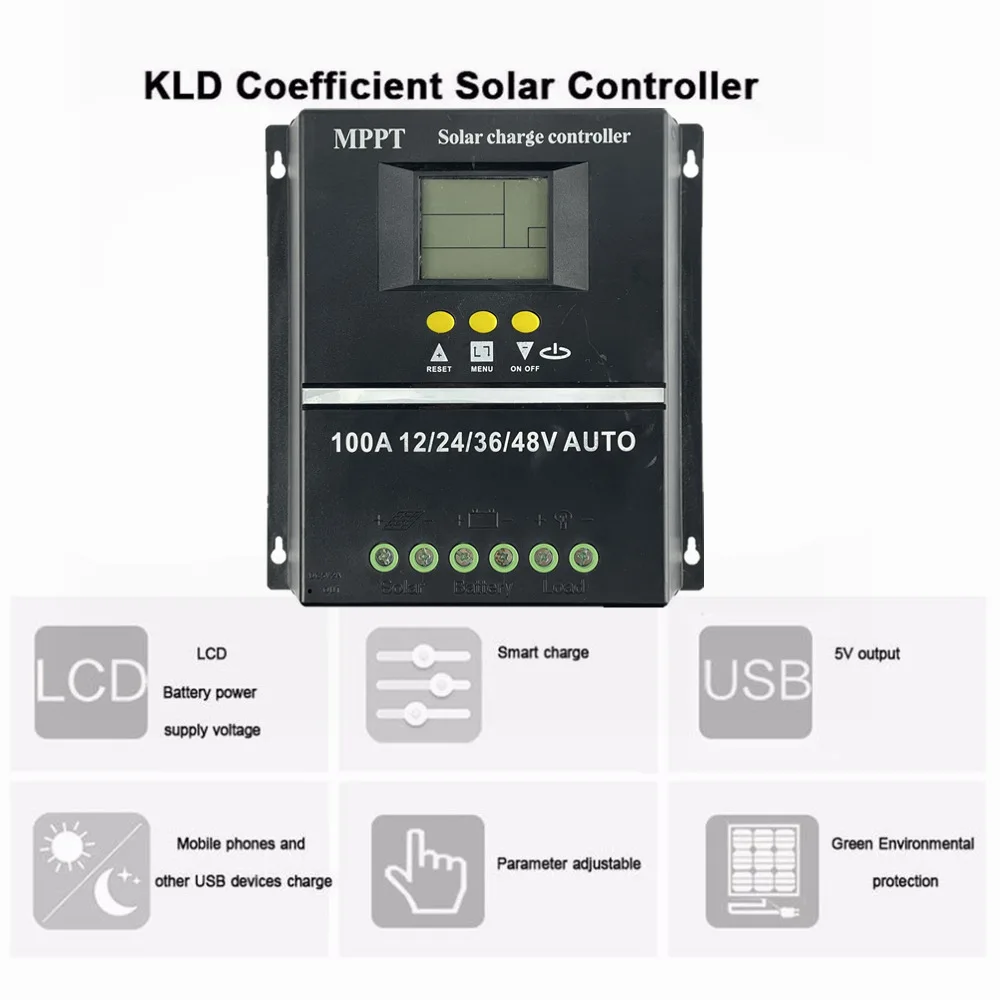
USB Output: Dual 5V
Charing Model: MPPT+PWM
Brand Name: Snaterm
Model Number: SY-SLCD-80/100
Application: Charger Controller
Application: Solar System Controller
Application: Solar Working Station
Application: Lighting Controller
Maximum Current: 80A/100A
Origin: Mainland China
is_customized: Yes
Certification: CE
Choice: yes
semi_Choice: yes
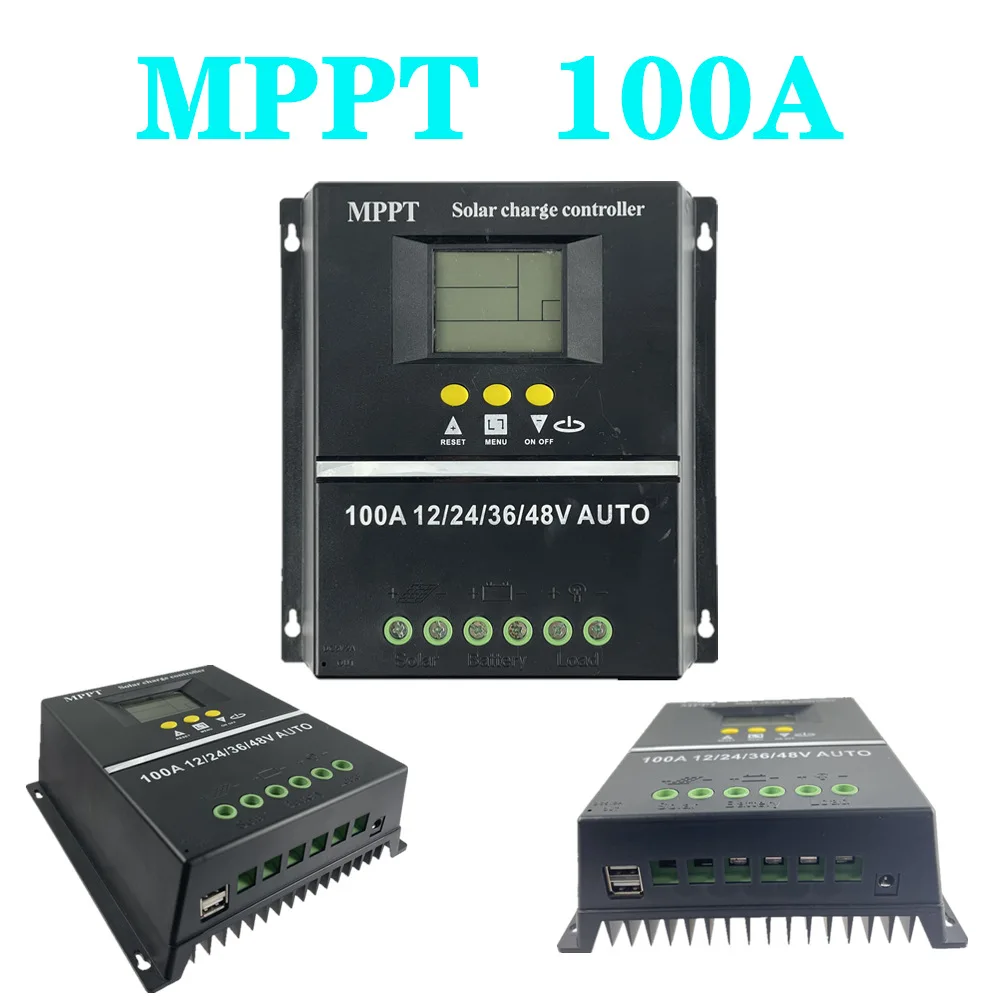
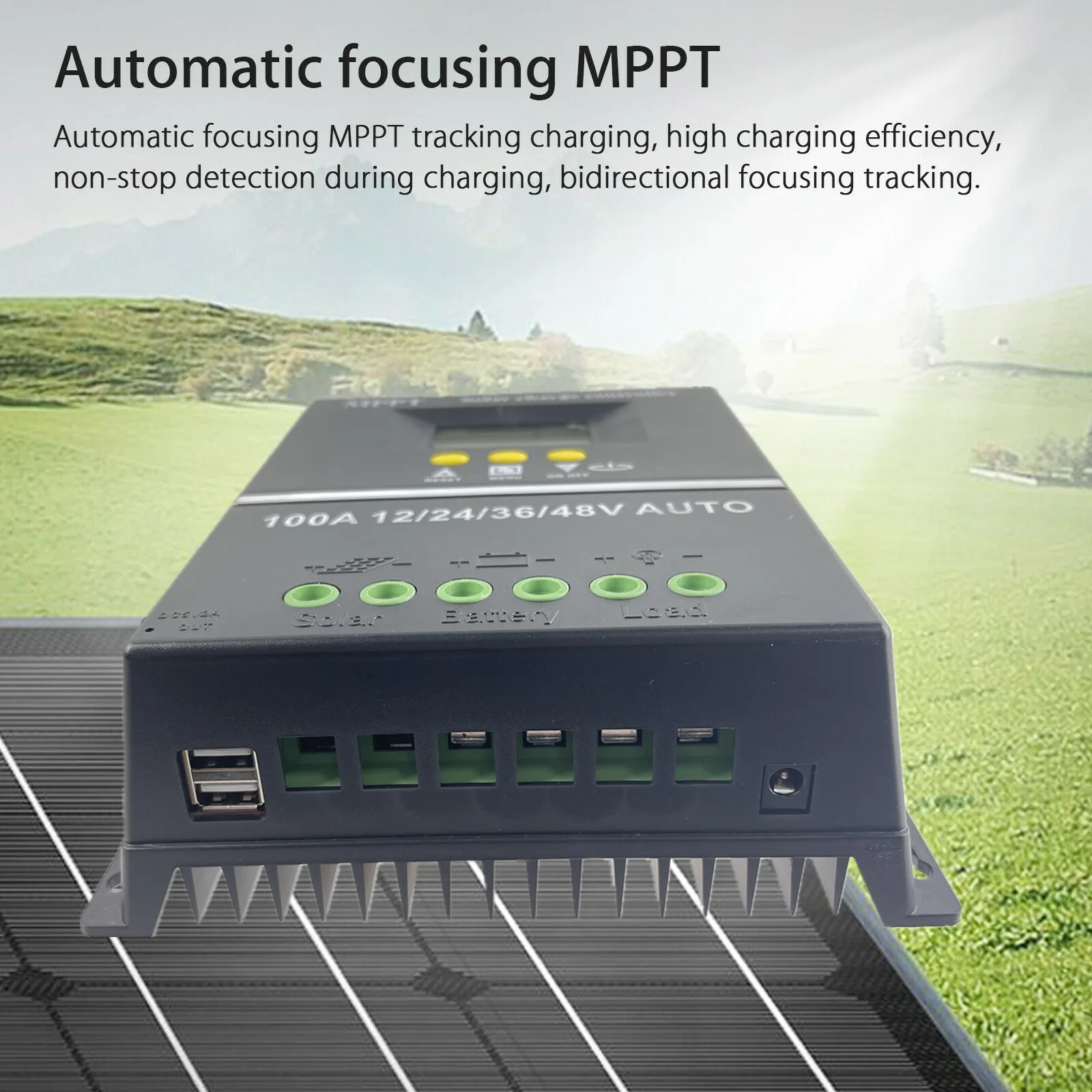
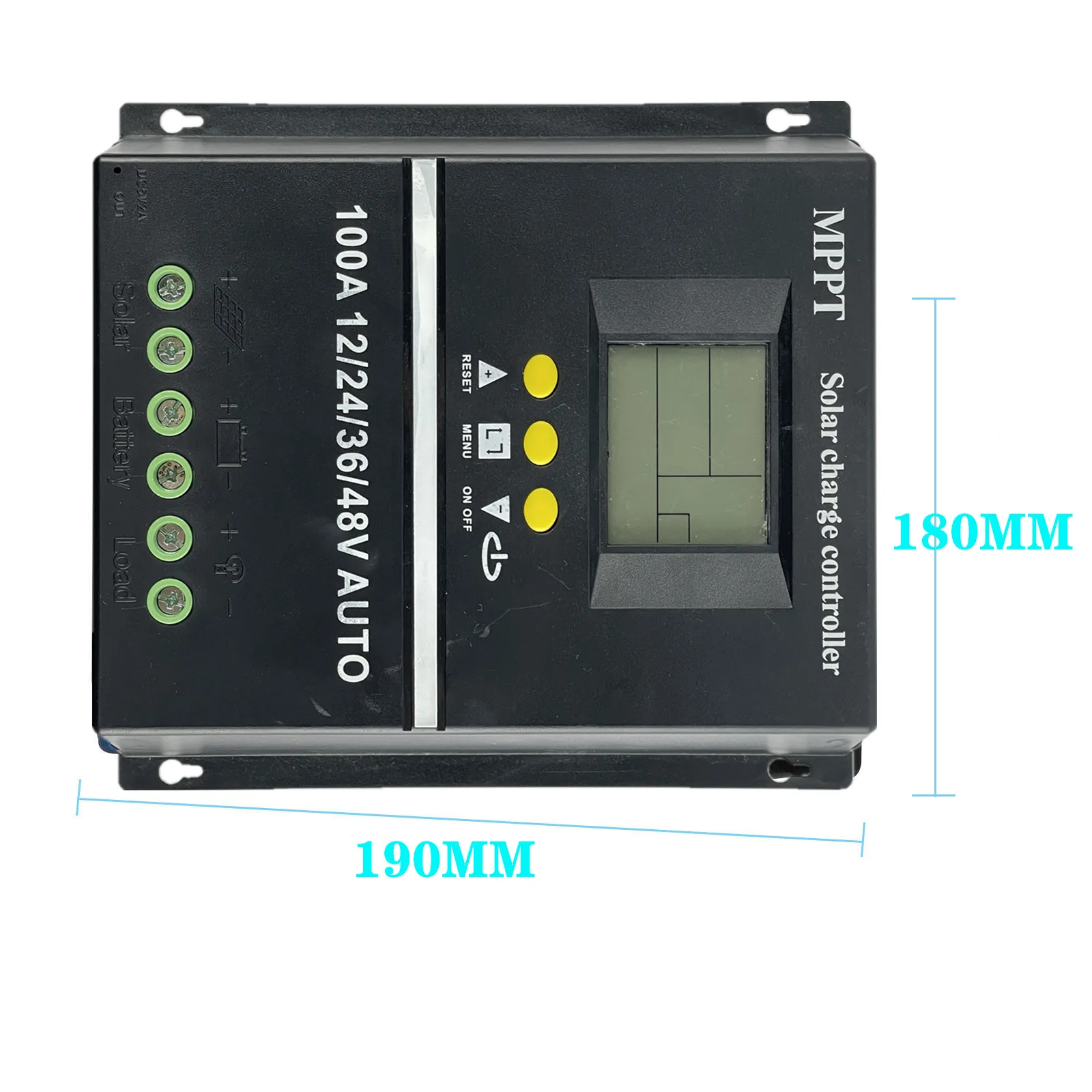
MPPT DC 12V/24V/36V/48V AUTO 80A 100A Solar Charge Controller PV Regulators Solar Battery Charger for Lead acid battery
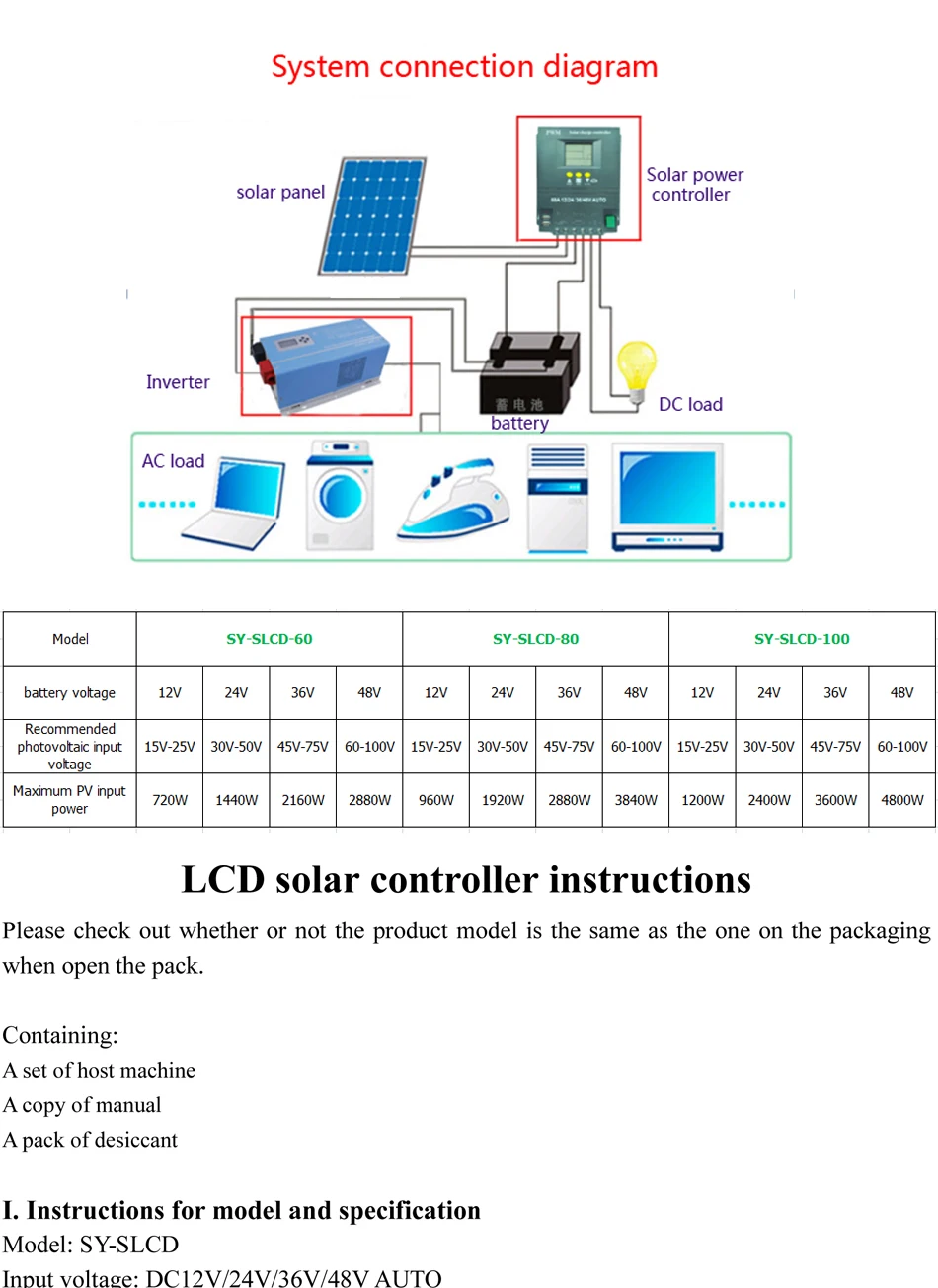
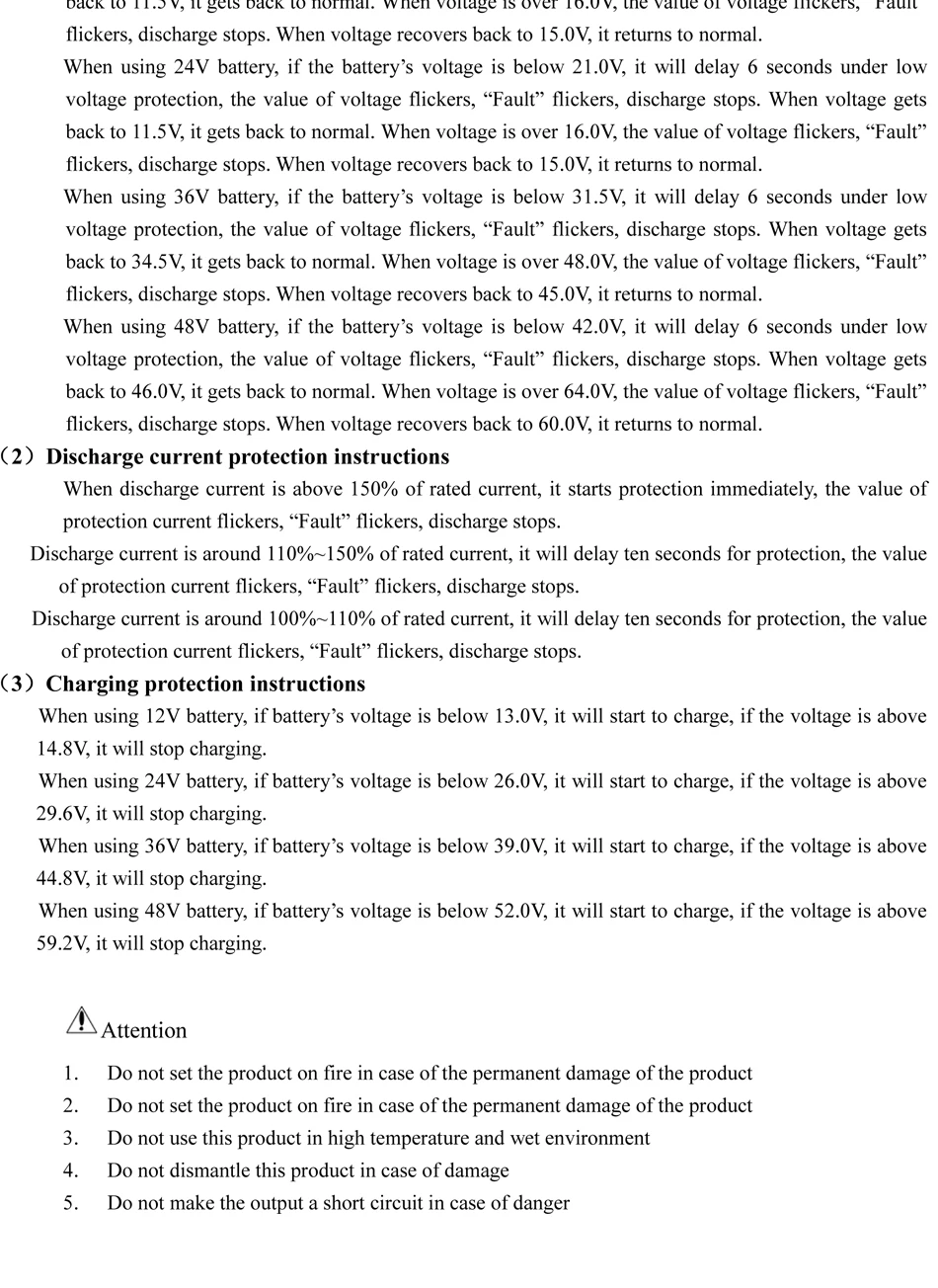
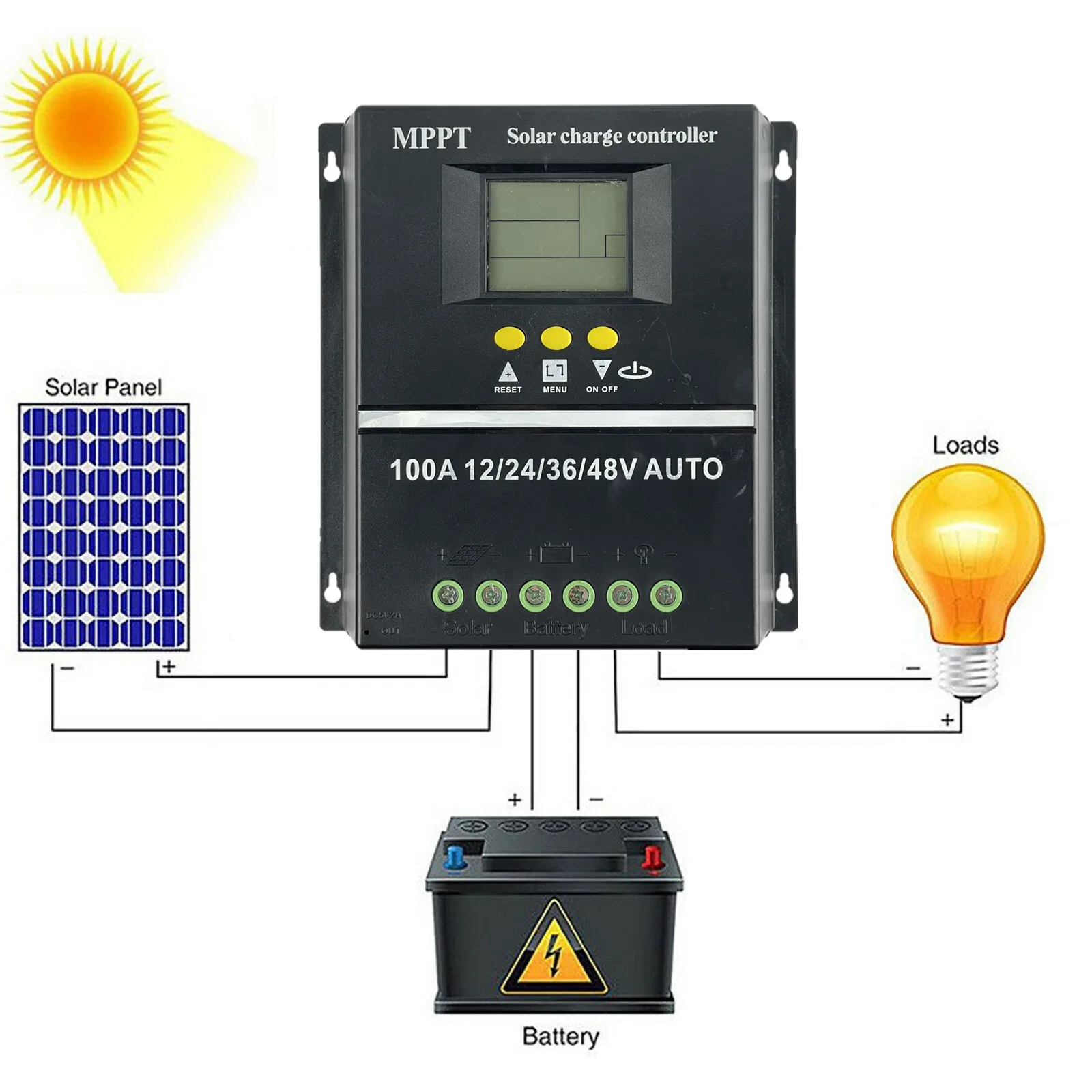
The controller is 12/24/36/48V auto, but the voltage of the photovoltaic panels used to charge different batteries is different. For 12V batteries, use about 18V photovoltaic panels, for 24v batteries, use about 30-37V photovoltaic panels, and for 48V batteries use 60. For photovoltaic panels around -72V, the controller wiring is connected to the battery first, and then to the photovoltaic panel. Disconnect the wire on the contrary, otherwise it will easily cause damage to the controller! ! !
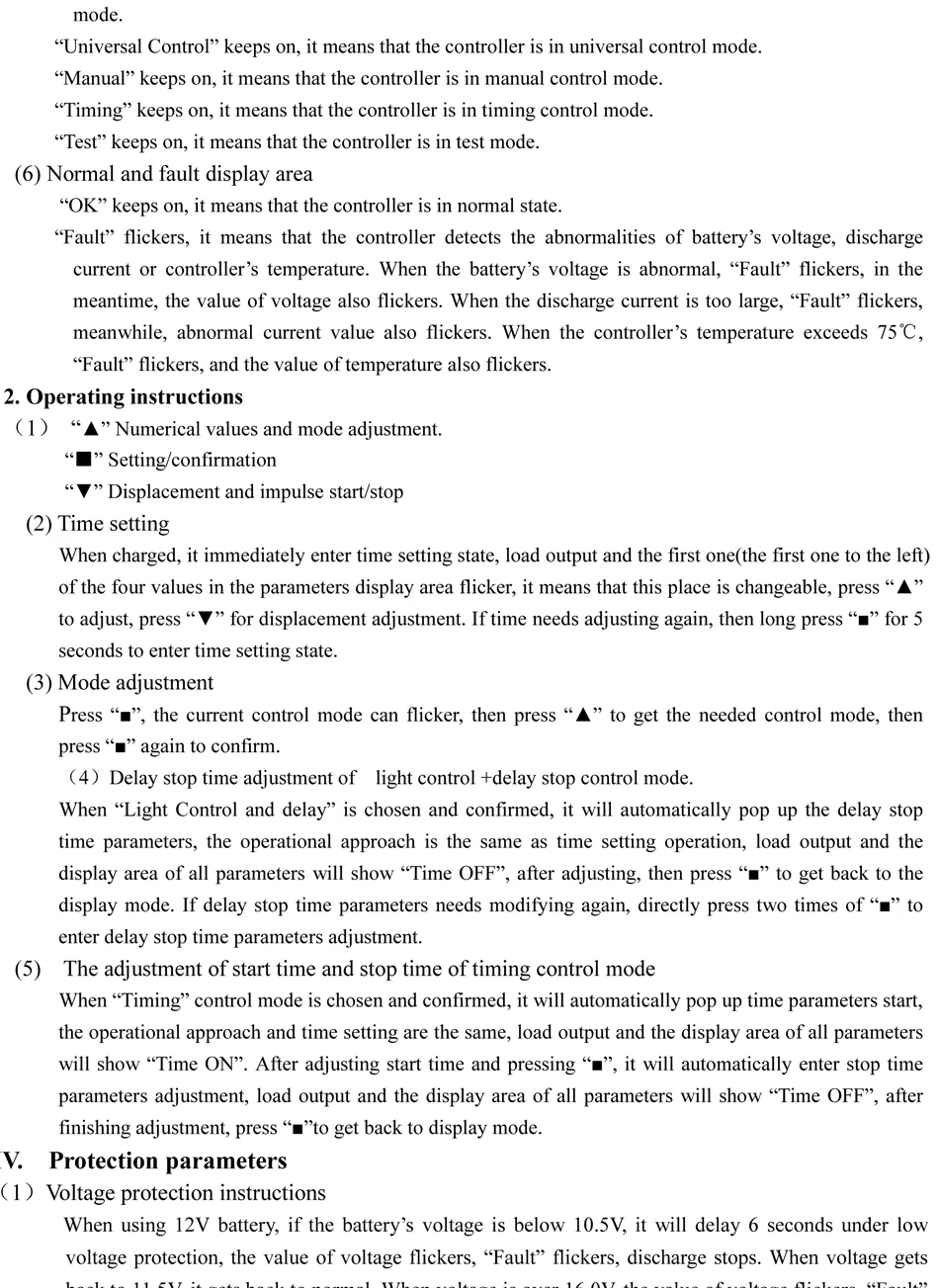
(3) Description of charging protection
When using a 12V battery, the boost charging voltage of the battery is higher than 14.8V, and it is converted to a floating charging voltage of 13.8V.
When using a 24V battery, the battery boost charging voltage is higher than 29.6V, and it changes to a float charging voltage of 27.6V.
When using a 36V battery, the battery boost charging voltage is higher than 44.4V, and it changes to a floating charging voltage of 41.4V.
When using a 48V battery, the battery boost charging voltage is higher than 59.2V, and it changes to a floating charging voltage of 55.2V.
Note: Please connect the battery to the controller first, and then the photovoltaic panel to ensure that the battery voltage is higher than (12V battery is higher than 10V; 24V battery is higher than 20V; 36V battery is higher than 30V; 48V battery is higher than 40V), otherwise it will cause voltage Identification error.
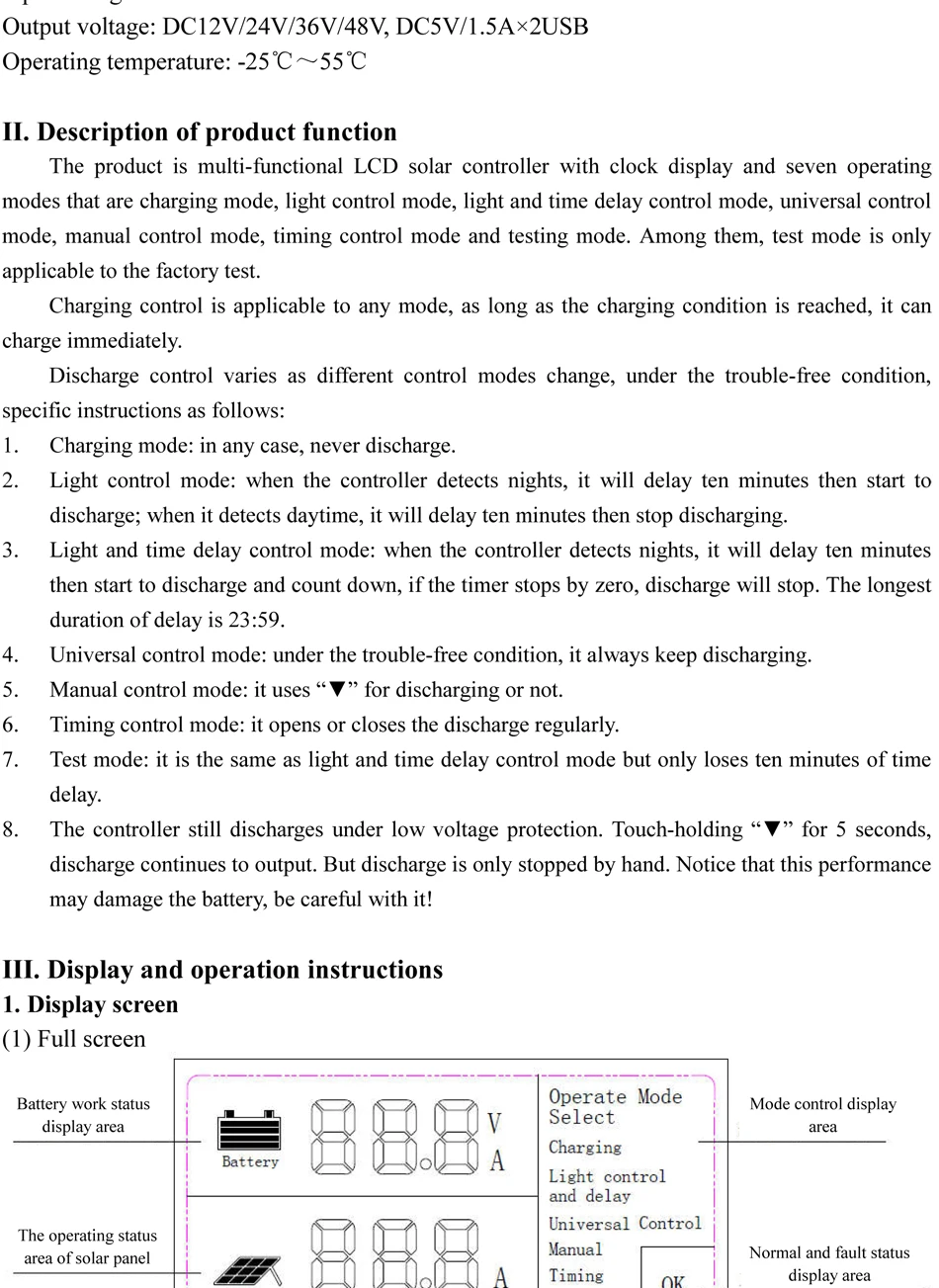
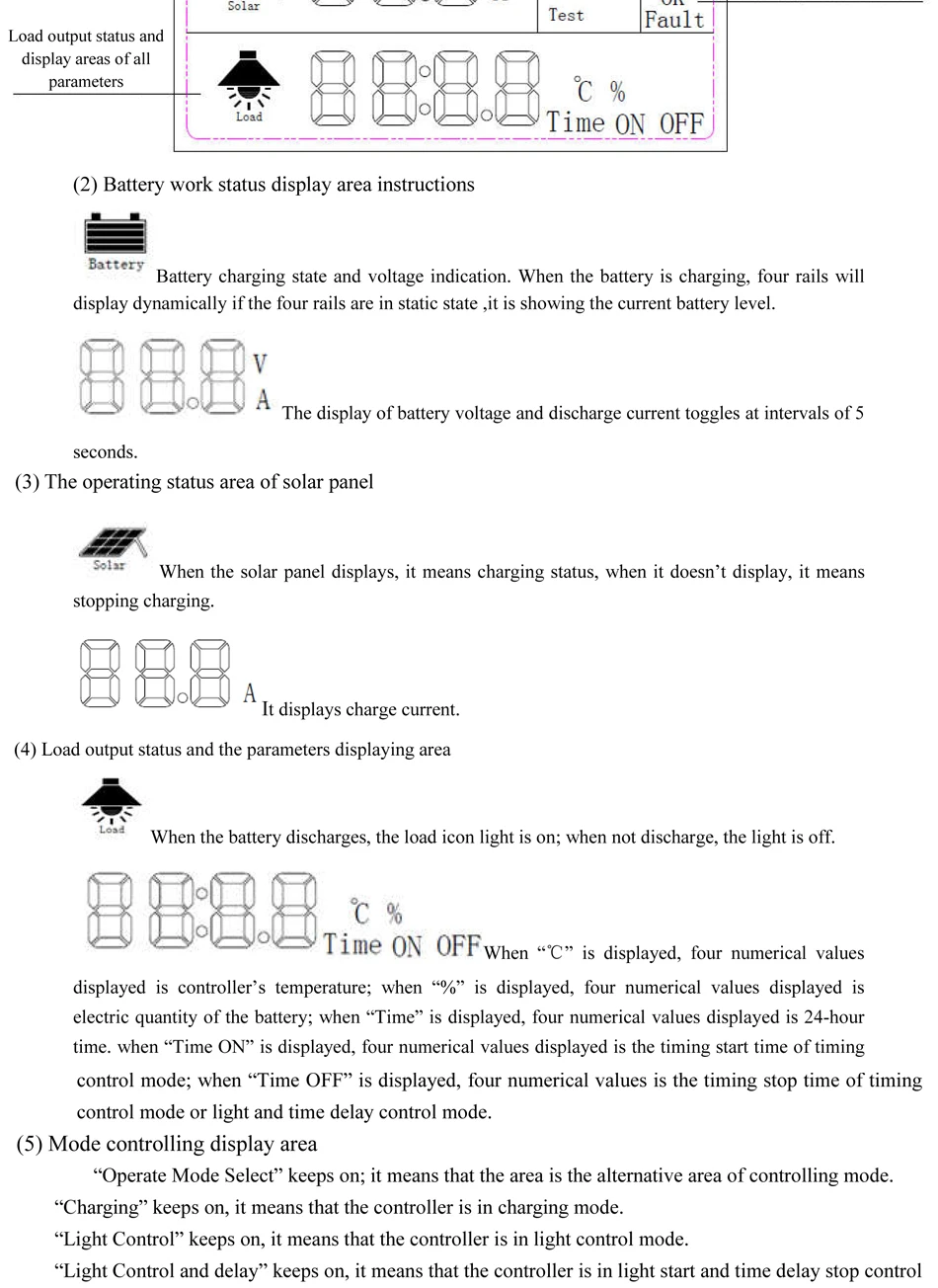
(4) Clock setting instructions: When the battery is connected, press "▲" "▼" to set the clock table, short press "■" to save.
(5) Charging voltage setting instructions: After connecting the battery, after setting the clock and saving, long press "▲" for 3-5 seconds, the screen displays L**V as the floating charge voltage, which can be adjusted by pressing "▼"; short press again "▲"H**V is to increase the charging voltage, which can be adjusted by pressing "▼"; shortly press "▲" again. F**V is the low-voltage cut-off voltage of the DC load, which can be adjusted by pressing "▼"; after setting Long press "▲" for 3-5 seconds to save and exit.

Customer Reviews
Payment and Security
Your payment information is processed securely. We do not store credit card details nor have access to your credit card information.