


Description
SPECIFICATIONS
Application: Laptop
Black and White Response Time: 10 ms
Bracket Type: Swivel Lift Bracket
Brand Name: Uperfect
Brightness: 300cd/m
Built-in Speaker: Yes
Certification: CE,FCC,RoHS,pse
Contrast Ratio: 1000:1,1100:1
Display Ratio: 16:9
Display Size: 18.5
Feature: Usb port,Speaker,Gaming,Vertical mode
High-Dynamic Range: other
Hign-concerned Chemical: None
Horizontal Viewing Angle: 178°
Interface Type: HDMI-Compatible
Launch Date: 2022
Matrix color depth: 8 bit
Origin: Mainland China
Panel Type: IPS
Pixel Pitch: 0.28mm
Plug Type: EU Plug
Products Status: STOCK
Refresh Rate: 120 Hz
Refresh rate sync technology: AMD FreeSync
Resolution: 1920x1080,1920x1080
Response Time: 16ms
Screen Type: WLED
Screen curvature: None
Screen surface: MATT
Uperfect Model: 18 UMax
Vertical Viewing Angle: 80°

UPERFECT 18 UMax Features:
- Monitor Hidden in Your Bag
Weighs only 1.58 kg (3.47 lbs) and is as thin as 7 mm (0.28 inch), lighter and thinner than other desktop monitors. The integrated design of the body is very convenient to put in your bag, UMax PC monitor is more convenient to carry and saves space than monitors with a stand base.
- Portability Brought by Rich Ports
Most computer displays do not have USB-C port, but this 18-inch PC monitor has type-c and mini HDMI interface, which can easily realize signal transmission with various devices, such as Computer, Laptop, Phone, PS4, PS5, Switch ,Tablet, Camera, Camcorder, DVD player, etc.
- Rotatable Stand Holder
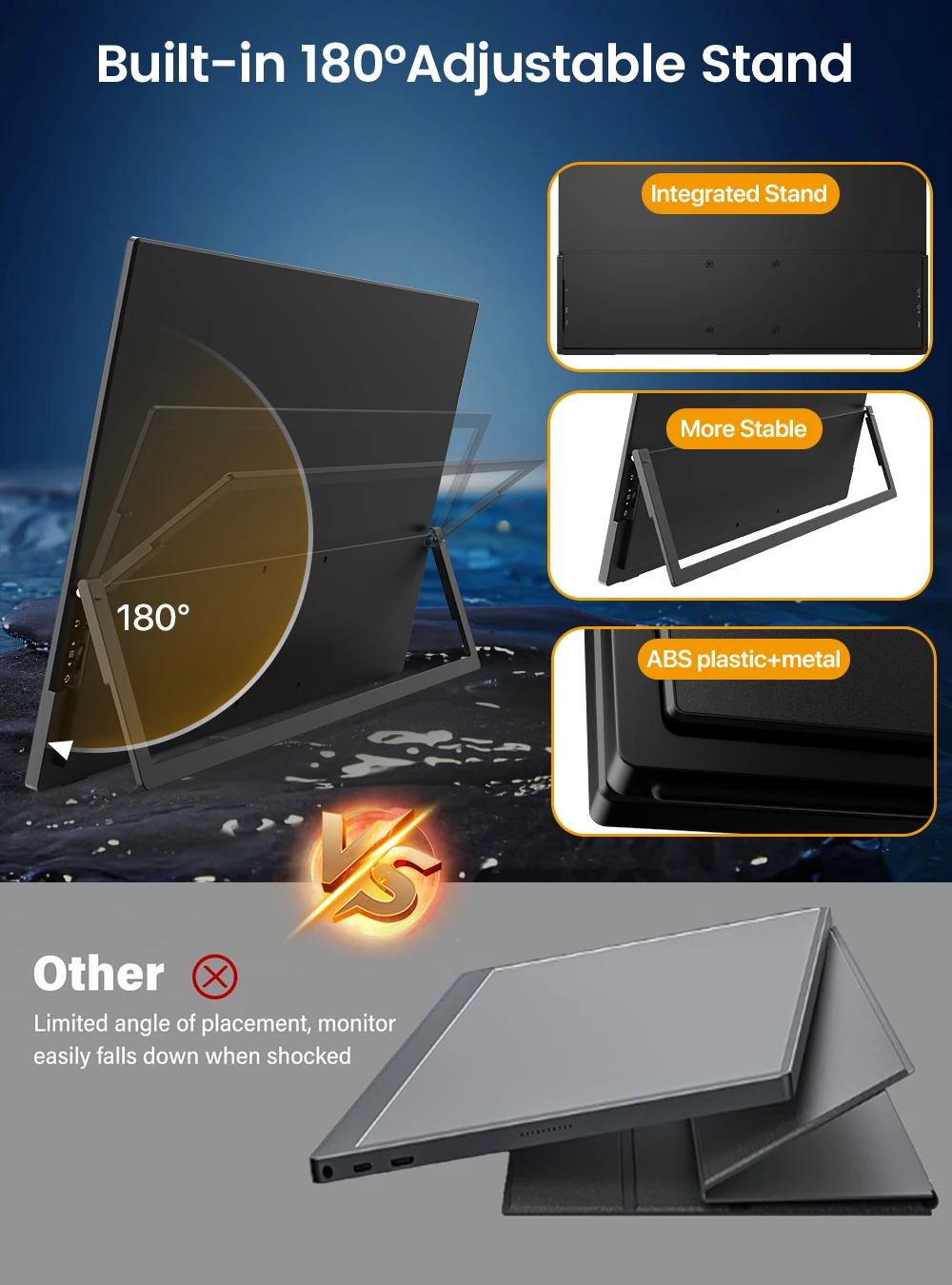
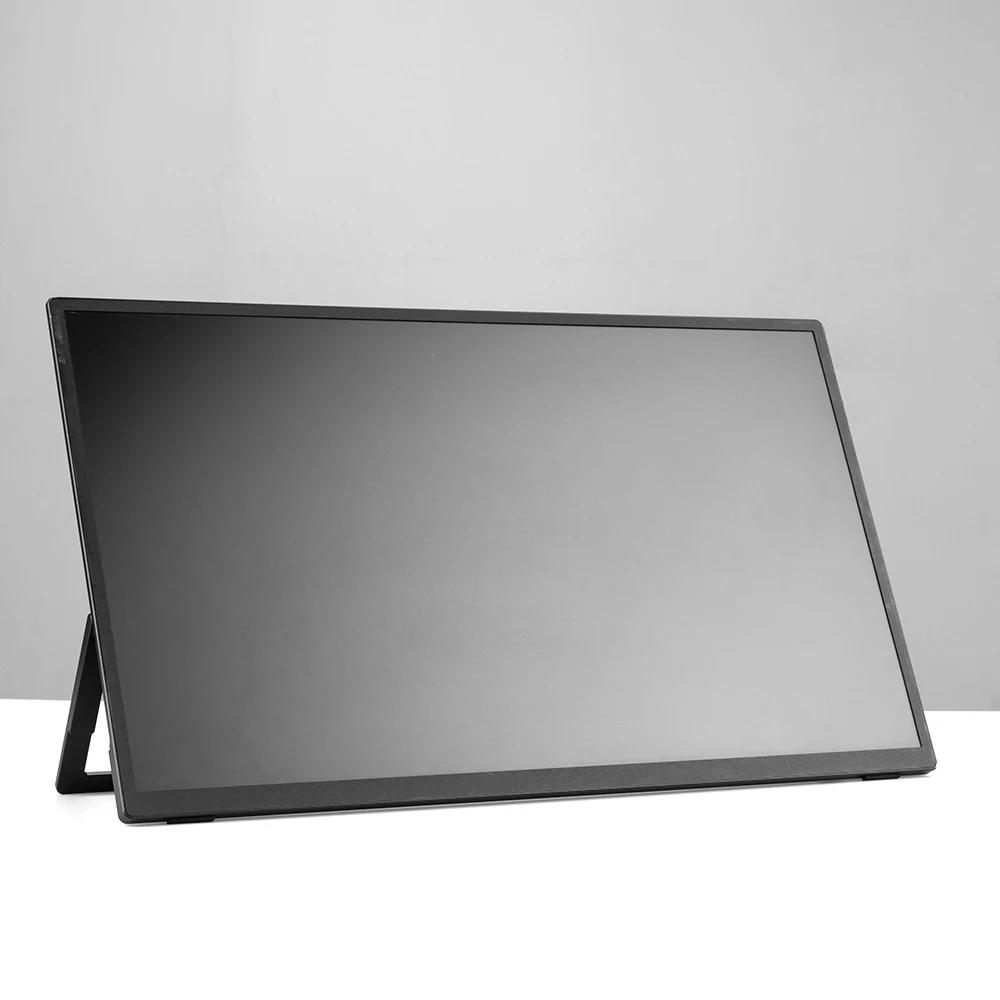
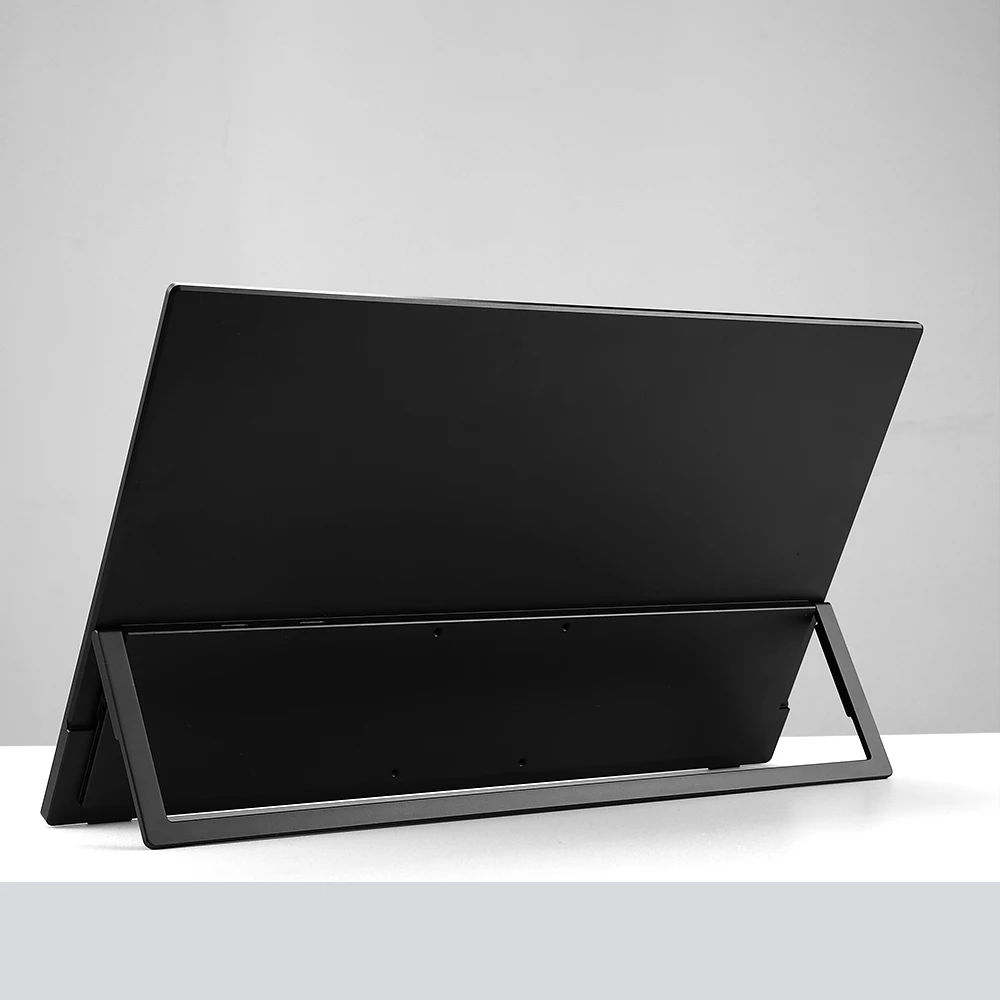
This 18-inch desktop monitor has a built-in stand on the back, which can be rotated 180°. You can adjust the angle of the bracket according to your own posture so that you can see the screen with the best vision.
- VESA Save Your Space
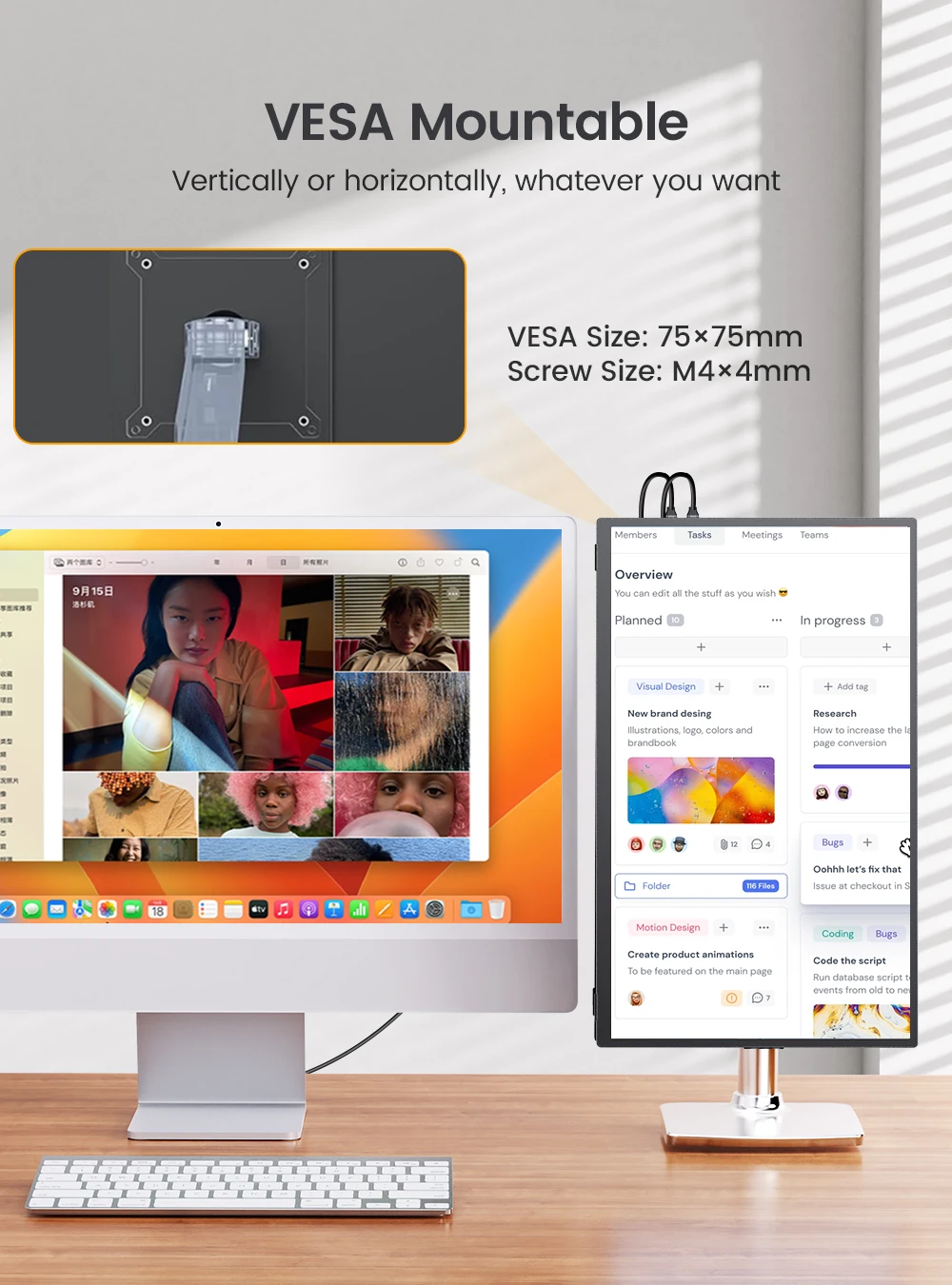
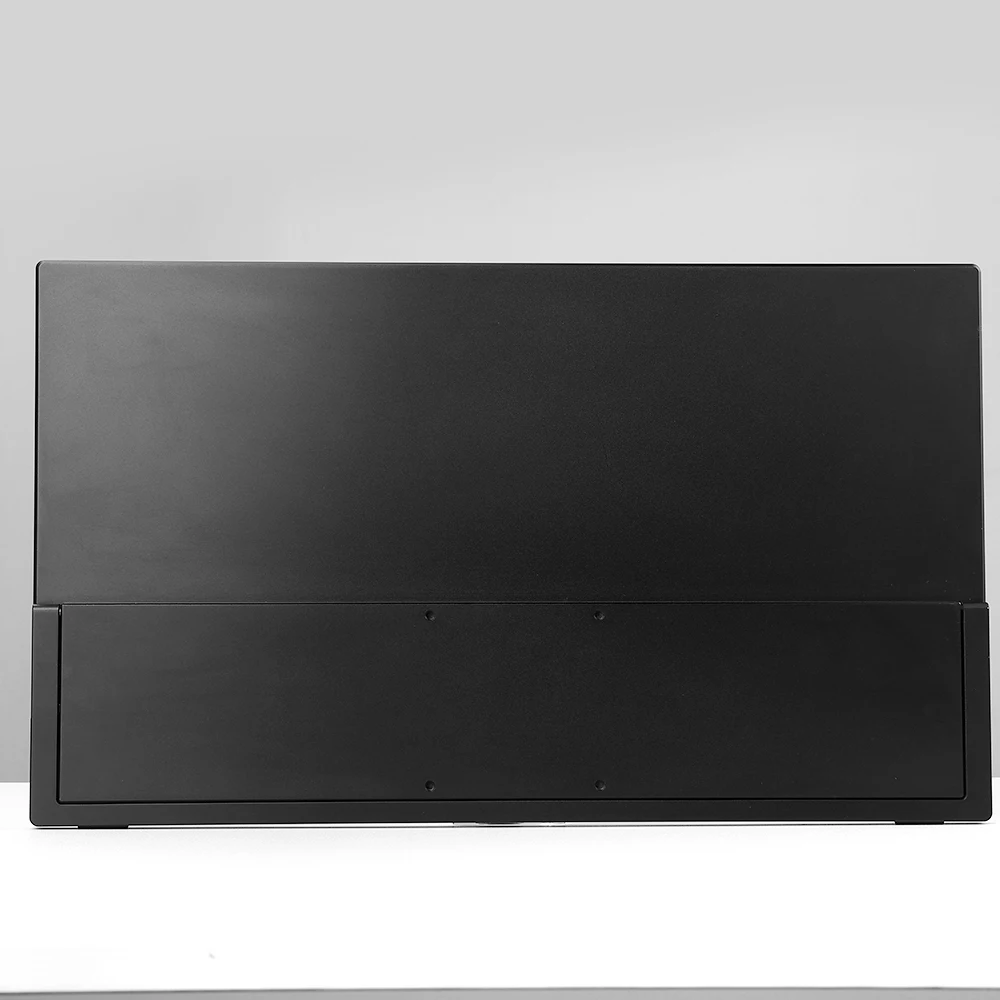
There are four VESA holes (M4*5mm, 75mm) on the back of this device, you can install it on the wall or on a bracket for fixed use, saving your desk space to put more devices, which can form a better collaboration with the computer.
- Realistic Colors
1080P computer monitor with 100% sRGB has 16.7M (8bit) colors, allowing you to fly in the world of colors, experience the visual impact brought by colors, and restore the most real color world.
- Immersive Enjoyment
Built-in dual 1W 8Ω speakers, allowing you to have a great audio experience while on the movie, and a 3.5mm headphone jack for plug-and-play connectivity to a variety of multimedia devices.
18.5 Inch 1080P 120Hz Monitor
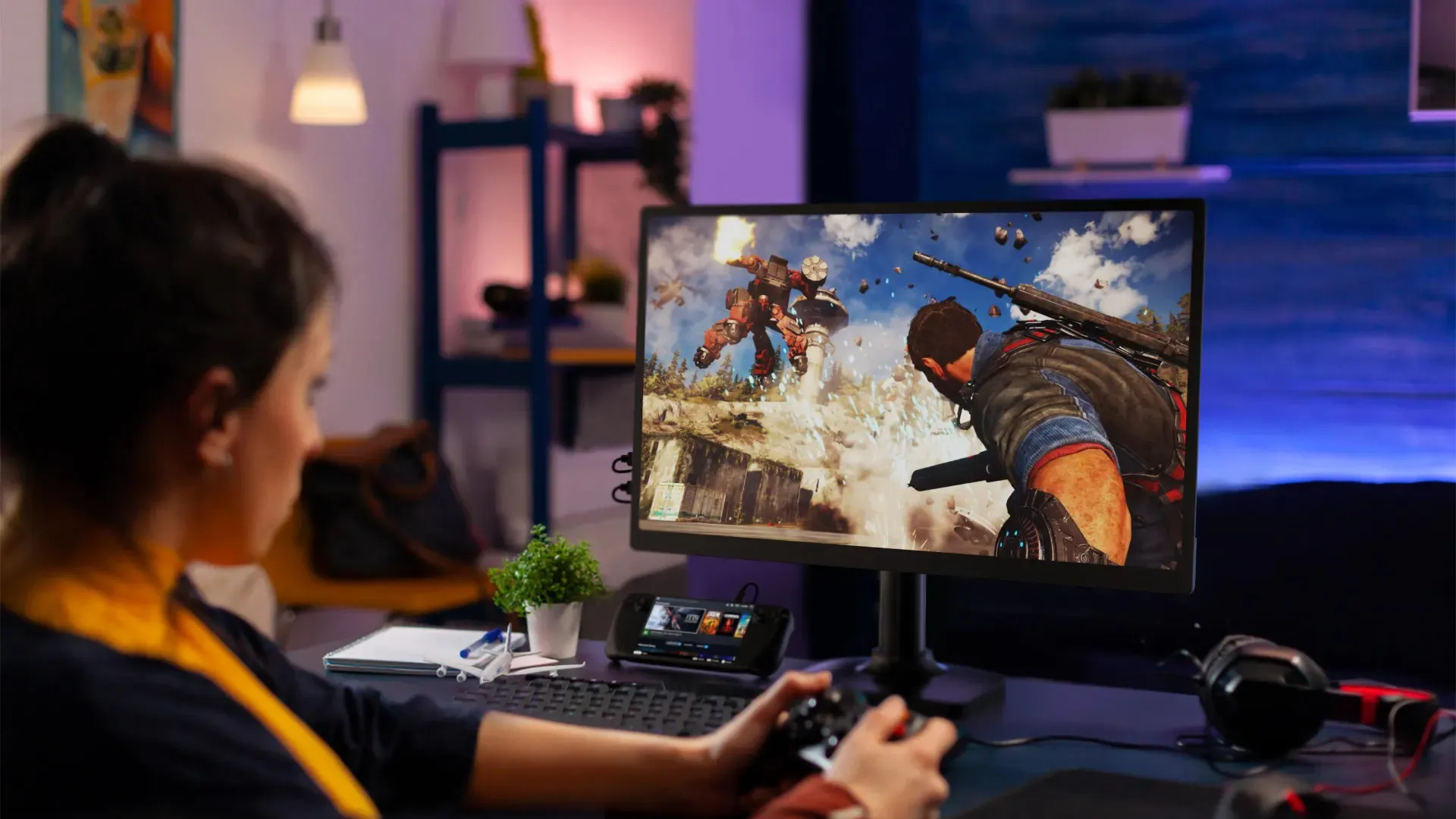
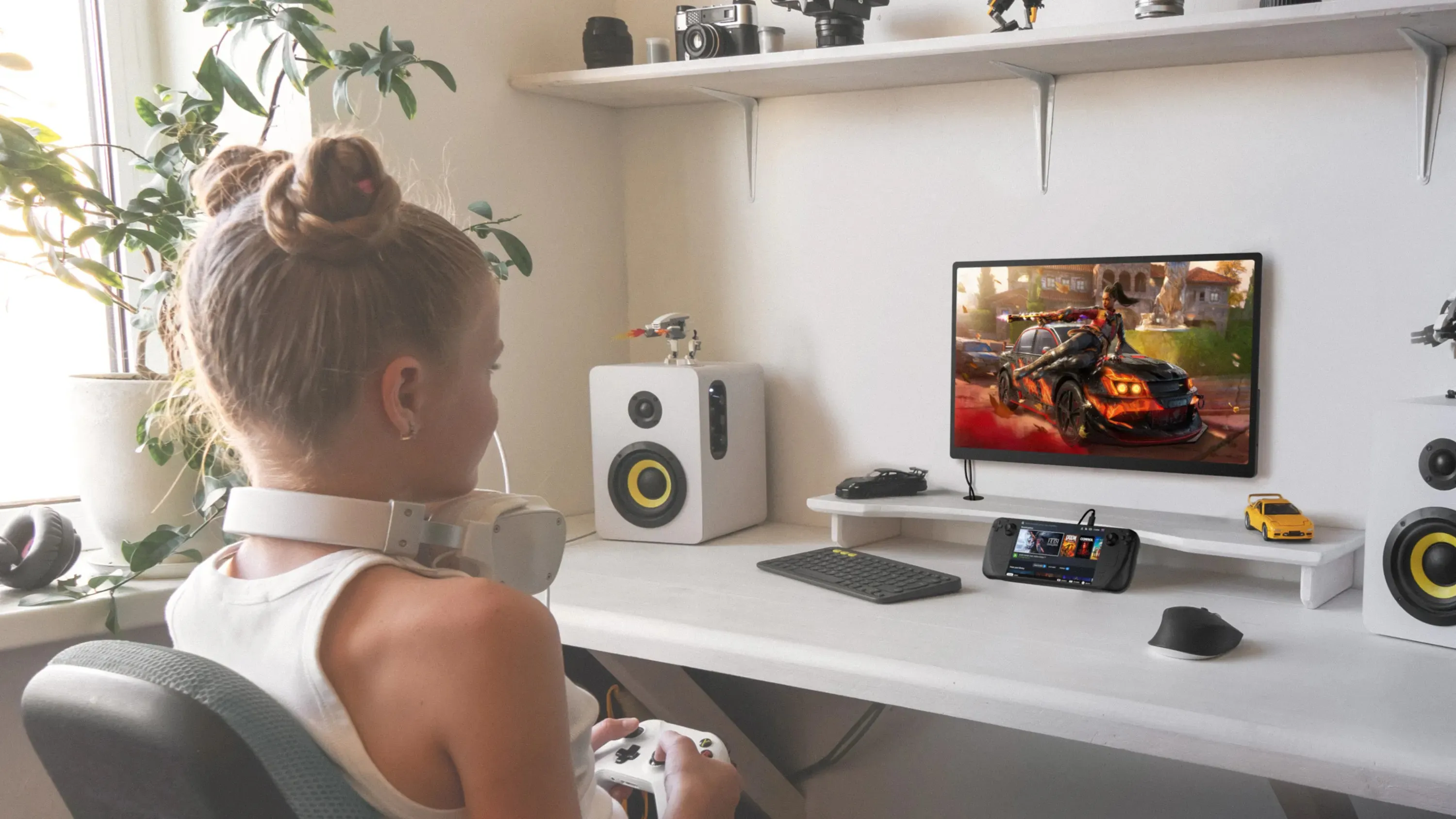
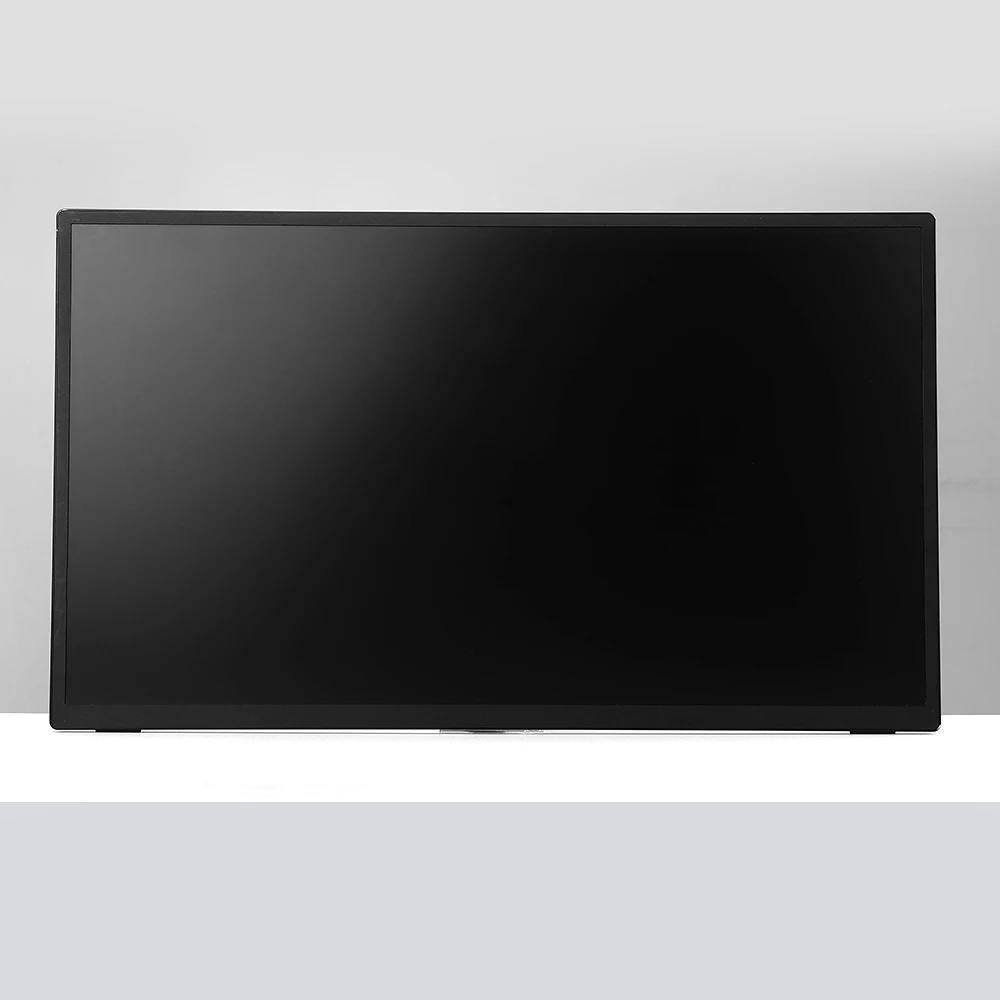
1080P 120Hz monitor adopts an 18.5 inch large screen to expand the game field of view and optimize the screen performance to bring a more enjoyable experience to every game player, especially suitable for large-scale games such as fighting, MOBA, FPS, racing.
Let the Game Never End
After maintaining the consistent functions and parameters of game monitors, such as refresh rate, FreeSync, etc., The immersive gaming experience makes the game never stop here, and once it starts, it will not end.

Seize Win with the Fastest Speed
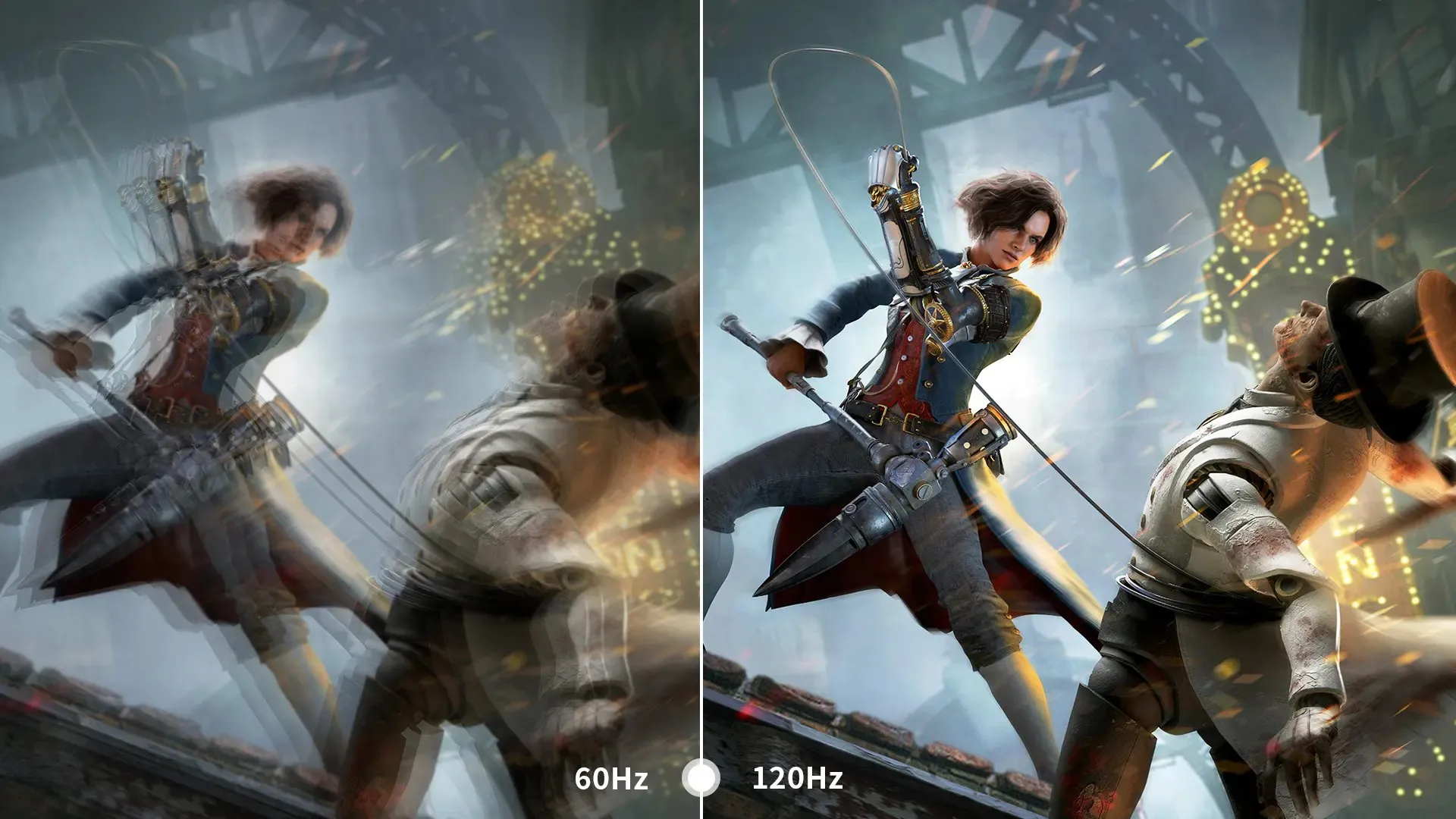
18 inch 1080p monitor built with the speed and performance that gamers need. Featuring a 120Hz refresh rate, this 18 inch monitor virtually eliminates screen ghosting, tailing and dragging for fluid game play during fast-paced action scenes, provides smooth screen performance free from blurring or ghosting.
Fast Refresh without Ghosting
Compared with 60hz refresh rate, 120hz brings the screen display to a higher level, bringing a smoother picture with twice the refresh rate, take the initiative to grasp the enemy's information and increase the winning rate. Xbox series x monitor provides gamers with an immersive gaming experience.
Get Enemy Dynamics in Real Time
Just 16ms response time, make a super-high-speed real-time response to the input of the game screen, ensure smooth connection between each screen, and there will be no phenomenon of tailing and dragging, so that gamers can obtain the dynamics of the enemy in real time, and are no longer in a passive state in the game.
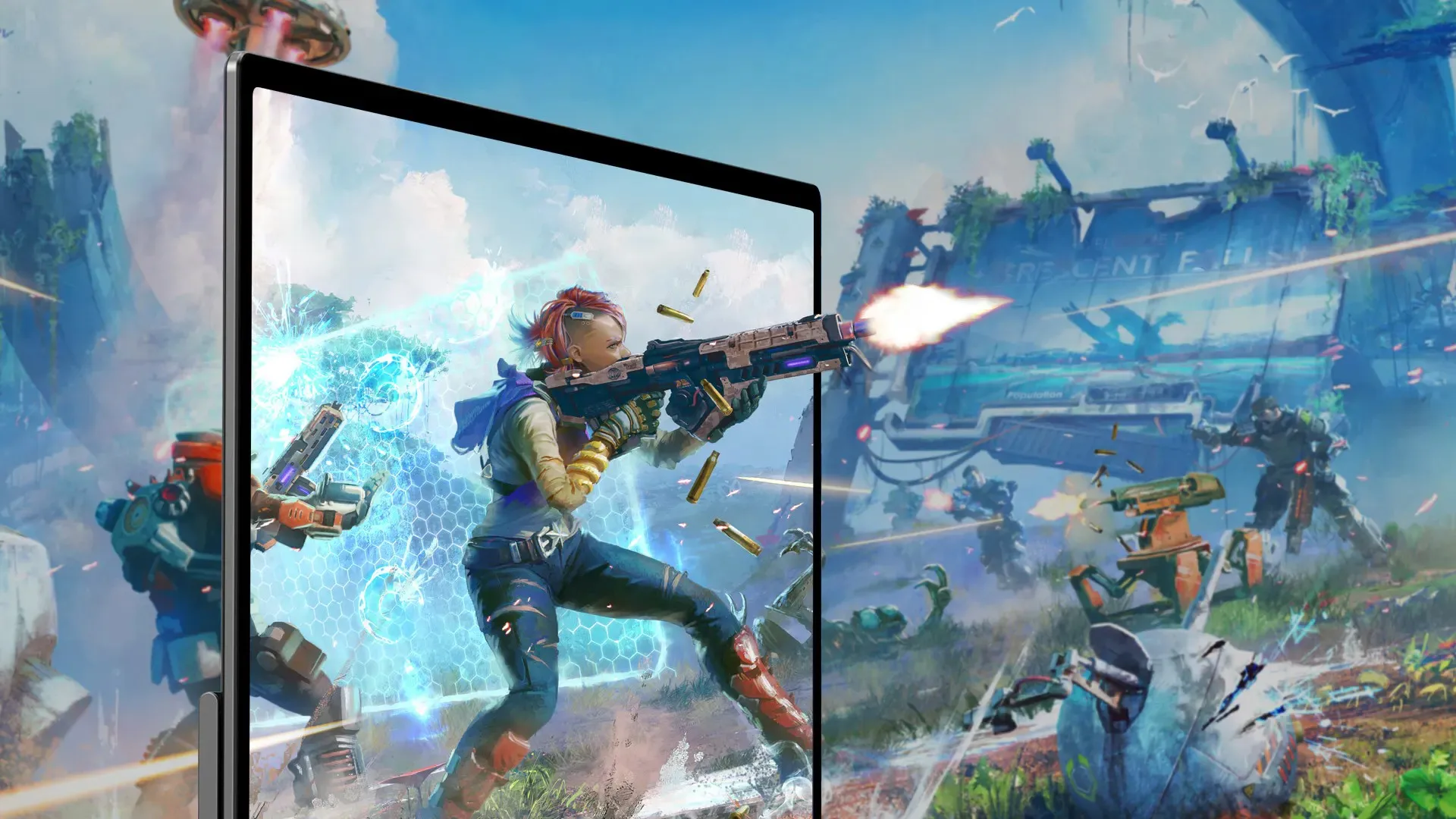
Bring Convenience to Life and Work
18.5 inch 120hz monitor allows players to be more creative, not only can you experience smooth games, but 1080p 120hz monitor can also be used for work, design creation, movies, live broadcast, learning, etc. Give full play to the performance of mobile phones, laptops, and game consoles.
More Desktop Offers Custom Window
18.5 inch monitor can expand the computer screen to increase the desktop space, customize the work window, and make multi-task work more efficient. More desktop space can bring more creative space.

Make Cooperation Efficient
In the meeting, add a screen display to your laptop is conducive to improving the communication efficiency with colleagues and partners, so that all participants can follow up the meeting content in real time and improve meeting efficiency.

Two Installation Methods
1920x1080 monitor has a built-in adjustable stand that can support the display on any smooth surface. The back is designed with 4 VESA holes (75*75mm@M4*4mm), which can be installed on a bracket or wall to better fix the 18.5 inch 120hz monitor next to the computer and use it as a second screen.
Portable VESA Mount
120Hz display built-in four VESA (75*75@M4*4mm), which can be installed on a bracket or wall, which can free up more desktop space, place more daily equipment and make the desktop tidier.
Adjustable Viewing Angle Brought by the Stand
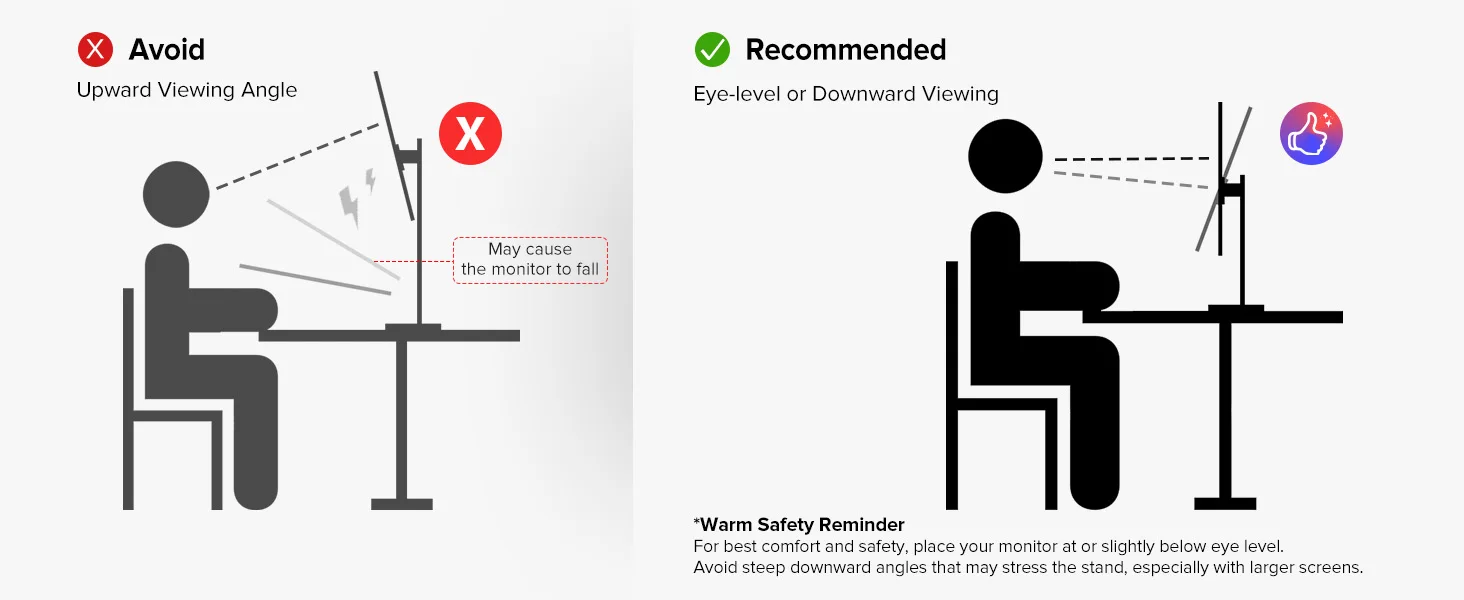
The built-in adjustable bracket can not only firmly support the monitor on any smooth surface, but also freely adjust the angle of the bracket to keep the screen in the best visual range, reduce neck pain, and make the game last longer.
UPERFECT 18 UMax Spec:
Panel Type: 18.5” IPS Screen
Resolution: 1920*1080 FHD
Display Color: 16.7M
Visual Angle: 178° Full View Angle
Contrast Ratio: 1000:1
Brightness: 300 cd/㎡
Refresh Rate: 60Hz
NTSC: 72%
sRGB: 100%
Response time : 16ms
Display area: 408.96(W) × 230.04(H)
Bulit-in Speakers: Dual 8Ω 1W Speakers
Input Interface: Full Function Type-C * 2, Mini HD * 1 ,3.5mm Audio*1,USB OTG *1 (Micro USB-B interface, hard disk data transmission, connecting mouse and keyboards.)
VESA:75mm*75mm
Screen Type: Matte
Color: Black
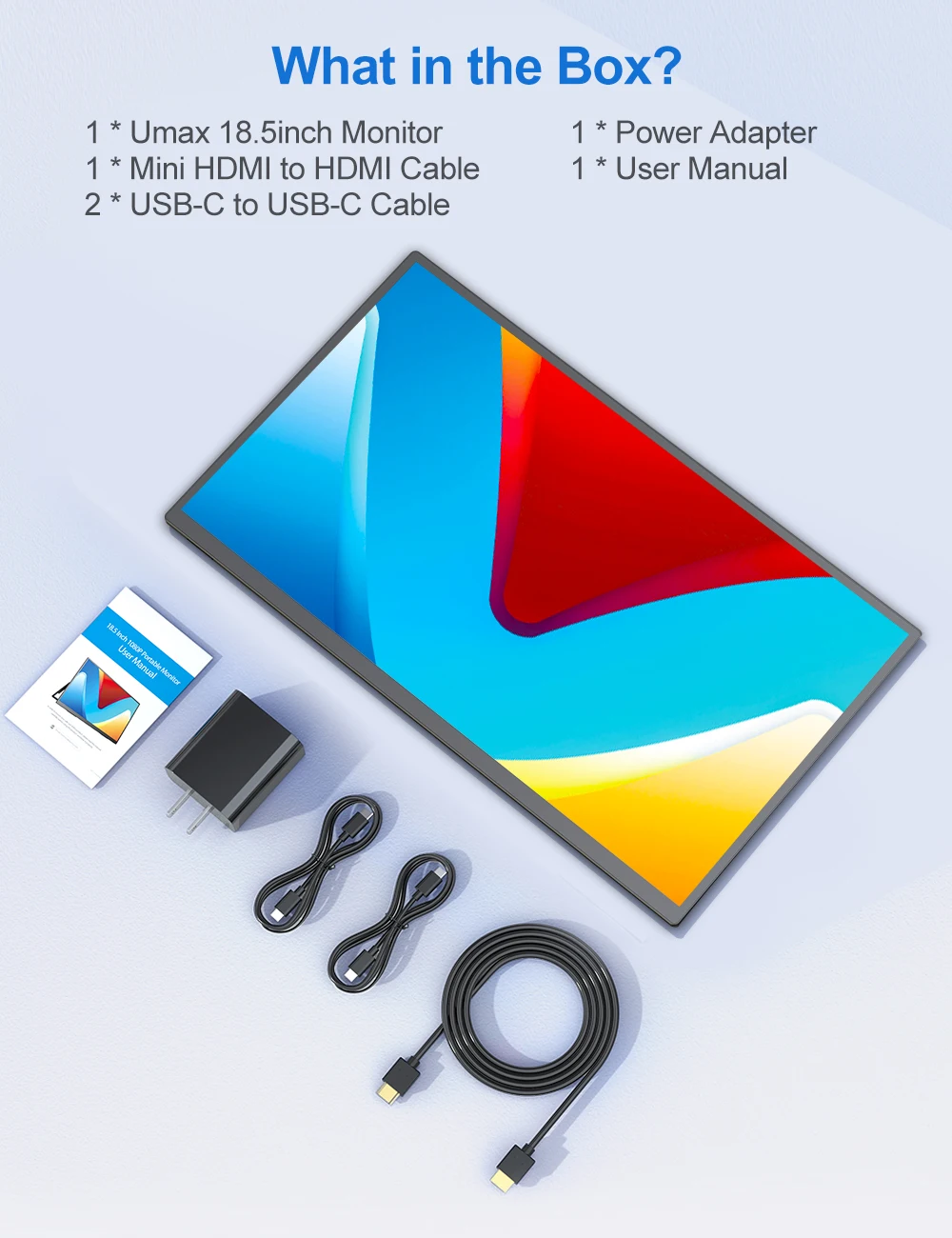
What's In the Box?
1*18.5” Portable Monitor
1*Quick Start Guide
2*Type-C to Type-C Cable
1*Mini HD Cable
1* PD Adapter
Support Single Type-C Cable For Display & Power Device Model
- Mobile Phones Support USB 3.1:
For Samsung: Samsung Galaxy S8, S8+, S9, S9+, S10, S10+, S10e,S20,S20+,S20 Ultra,S21,S21+,S21 Ultra,S22,S22+,S22 Ultra, Note 8, Note 9,Note 10
For Huawei: P50 Pocket/40 Pro/40/30/20/10/9 Series, Mate X/Xs/X2/40 Pro/40/30/20/10/9 Series, Honor Note 10,Honor Magic V/3/Pro/Pro+/4/4 Pro/4 Ultimate;
For SONY: Xperia 1 / 1 II/1 III/1 IV/5/5 II/5 III/10 III/Pro/Pro-I;
For OnePlus: 7/7 Pro/8/8 Pro/9/9R/9 Pro;
For OPPO: Find X3 Pro/Reno 10x Zoom/Reno 5G/R17 Pro (OPPO RX17 Pro in Europe);
For LG: V60/V50/V40/V35/V30/V30+/V20 Series,G8/G7/G6/G6+(with Dec 2018 update)*functionality has not been tested*/G5 Series,Q8;
For HTC: 10/U Ultra/U11/U11+/U12+/U19e,Exodus 1;
For ASUS:ROG Phone/Phone II/Phone 3/Phone 5/Phone 5s Series,ZenFone 3 Ultra,ZenFone AR,ZenFone Ares;
For Motorola: Edge+/Edge S (China variant)/Moto G100 (global version for European market)/ Edge 20 Pro/30 Pro(global variant)/X30;
For Xiaomi: Black Shark 2/3/4;
For ZTE: Axon 9 Pro/10 Pro,Nubia Red Magic 6S Pro/7/7 Pro;
Others: BlackBerry Key2,BQ Aquaris X2,Essential Phone,Fairphone 4,Lenovo Legion Phone Duel/2 Pro/Duel 2,NOKIA 9 PureView, Microsoft Lumia 950/950 XL, HP Elite x3,Razer Phone/Phone 2,Fairphone 4;
*NOTE: If you can not find your devices above, please use IOS/Android to HDMI Adapter for connecting.
- Laptops Support Thunderbolt 3 or USB 3.1:
For Apple: Apple MacBook Pro (Late 2016) and newer,Apple MacBook Air (Late 2018) and newer ;
For Huawei: MateBook D/X/X Pro/E/13, MagicBook;
For ASUS: ZenBook, U4100UN, U5100UQ, ROG Series;
For HP: EliteBook Folio G1, Spectre 13,ZbookZbook Studio;
For Dell: G3/G5/G7 Series, Inspiron 5000/7000 Series, XPS12/13/15;
For Lenovo: Thinkpad E580/T470/T470s/T480/T480s/X1 Carbon (2017-2019);
For MIUI: Air 12.5"/133.3", Pro 15.6", MI Game NoteBook
For Google: ChromeBook Pixels
For Razer: Blade Stealth Series (All)
For Microsoft: Surface Book 2
Others: Acer Swift 5,MSI GS60 6QE,Gigabyte Aero 15x/15 x9/15 y9;
*NOTE: If you can not find your devices above, please use mini HDMI cable instead.
Warm tips:
If the screen signal is poor or flickers, make sure you are only operating the monitor with the adapter that came with it. With other adapters, the voltage may be insufficient. If the screen still flickers, please swap the HDMI cable to test.
Please check the Type-C port of your PC/Laptop whether it supports the transmission of audio and video signals (Thunderbolt3). If it doesn't, you'll need a "Type-C to HDMI" adapter for signal transmission.
If "No Signal" or "Power Saving Mode" appears, please switch the Type-C cable head to another side and reconnect the monitor.
The monitor turns on in the default power save mode. (Note: No save function in sleep mode, you need to close it manually.)
The 18.5" portable monitor has no built-in battery, without touchscreen function,you can't charge it.you cant touch it, just connect and get started.

Pagamento e Segurança
Your payment information is processed securely. We do not store credit card details nor have access to your credit card information.